


Exhibition Display Signage: Stand Out at SA Trade Shows
Most exhibition booths in South Africa look sharp on a design render and disappear on the actual show floor. Visitors pass dozens of stands in a few hours, and they decide in seconds whether a booth is worth stopping at. Good exhibition display signage has one job: tell a stranger who you are from across the hall. In this guide we cover what works for Gauteng shows, what wastes budget, and how to choose between custom, modular and portable systems.
Table of Contents
- Quick Takeaways
- Why Visual Clarity Wins on the Show Floor
- Banners That Do One Job
- Custom Versus Portable Stands
- Lighting and Backlit Graphics
- Digital Screens With a Purpose
- Corporate Identity and Rental Stands
- Frequently Asked Questions
- References
Quick Takeaways
| Key Insight | Explanation |
|---|---|
| Give each panel one message | Visitors read the headline and the logo. If a panel carries three claims, none of them land at walking pace. |
| Design for the aisle, not the screen | Test every banner at full scale from the aisle edge. A layout that looks generous on a monitor can become unreadable once it hangs above a crowded walkway. |
| Build for the van, not the showroom | Freight, storage and set-up labour are real costs. A stand that needs a full crew and a day to assemble is a poor fit for a multi-show calendar. |
| Light the graphics, not the room | Backlit panels and halo-lit logos carry the message in dim halls and evening events, but only if the artwork is designed for light and proofed under light. |
| Use screens for demonstrations | A looping brand reel is wallpaper. A short live demo with captions holds attention and gives staff something to point at. |
| Lock brand specs before concept work | Send the corporate identity guide, colour references and vector logo files to the designer first, so approvals do not stall production. |
Why Visual Clarity Wins on the Show Floor
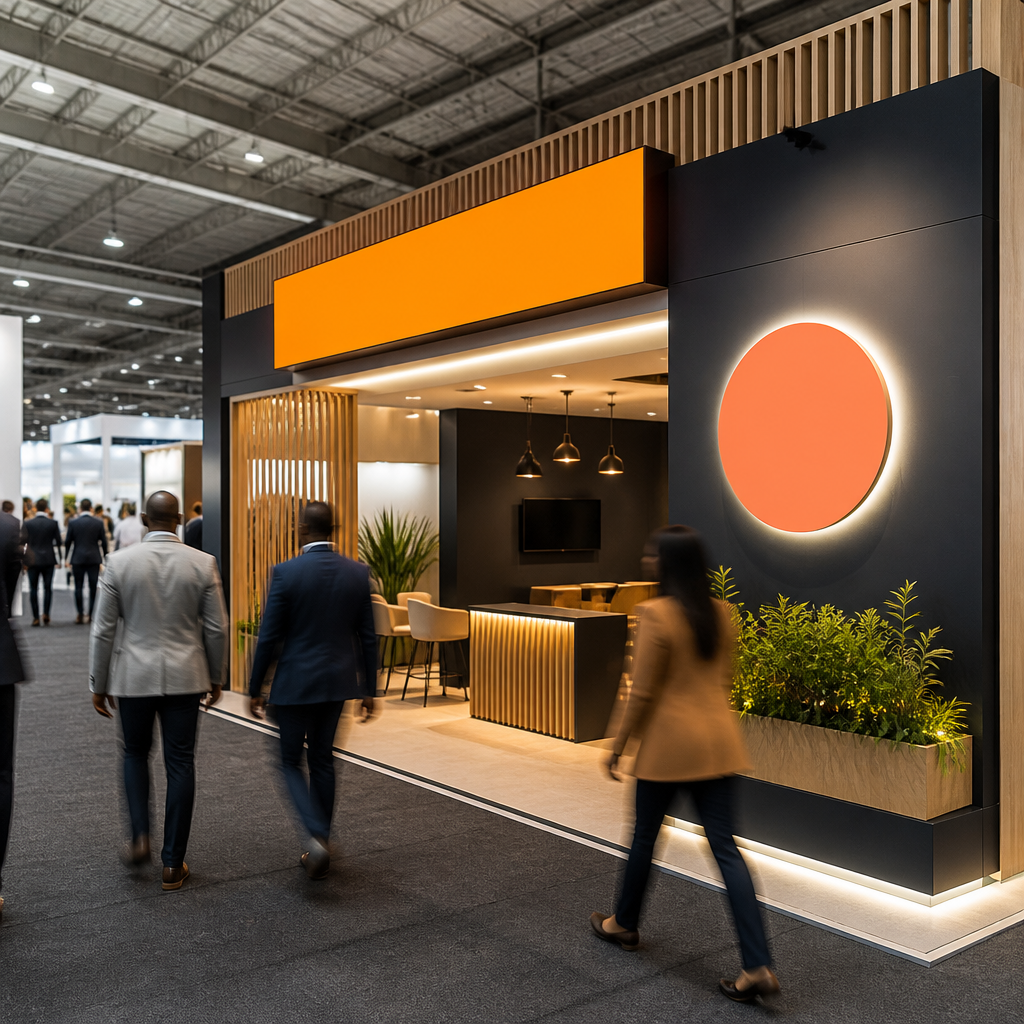
Walk any hall at a Gauteng trade show and you will see the same mistake repeated. Booths packed with product shots, three taglines, a slogan in small print and a video loop nobody can hear. From the aisle, the whole stand reads as noise. The exhibitors who get visitors to stop are the ones who decided, before printing anything, what one thing they wanted a stranger to remember.
The Three-Second Test
Before we approve any exhibition display signage, we ask one question: can someone walking at normal pace tell who you are, what you do and why they should stop, within about three seconds? If the answer depends on reading the smaller text, the design has failed. Visitors do not walk up to a stand to decode it.
In practice, that means a logo at a readable size, one headline in plain language and one supporting visual. Everything else moves to the brochure rack or the conversation at the counter.
Where Clutter Costs You
Clutter usually comes from internal committees. Sales wants a product grid, marketing wants a campaign slogan, and legal wants disclaimers at eye level. Each request is reasonable on its own, but together they turn the panel into a catalogue. A common mistake is treating the stand as a place to display everything the company does, when it should prove one thing quickly.
The fix is a message hierarchy agreed before design starts. Rank the messages, give the top one most of the panel, and move supporting claims to smaller graphics or screens where visitors can read them up close.
Banners That Do One Job
Banners were once the filler of a booth, the thing you hung because a stand felt empty without them. That has changed. Current show-floor thinking treats a banner as the primary communication tool of the booth, and that is how we brief every banner job we take. Fewer banners carrying stronger messages beat a wall of five average ones.
Headline Size and Viewing Distance
Headline size should be set by the aisle, not by the monitor on the designer's desk. A banner that looks generous on screen can become unreadable once it hangs above a busy walkway. Print a mock-up at full scale, then stand across the hall with a colleague and ask what they read first. If the answer is the fine print, reorder the hierarchy.
Keep the copy short enough to read in a glance. Headlines work best as a claim or a question tied to a visitor problem, such as "Cut your installation time", rather than a vague line like "Innovative solutions for modern enterprises".
A booth that needs a paragraph to explain itself has already lost the visitor who was walking past.
Placement Along the Visitor Route
Visitors enter a hall from one or two directions and tend to follow the aisles that lead them toward the busiest corners. Place your primary banner where it is visible as people approach, not only from directly in front of the stand. A secondary banner at the back or side can guide people toward a demo area or the reception desk.
Pro tip: Check sightlines from the aisle before you finalise hanging points. Neighbouring stand builds, hall rigging and staff standing in front of a panel can hide a banner that looked perfect in the approved render.
Custom Versus Portable Stands
The biggest budget decision in exhibition work is rarely the graphics. It is whether the structure is built for one show or for a calendar of them. Custom stands are designed from scratch around the product and the space, which is why they suit flagship launches. Portable systems fold into cases, set up without specialist labour and travel well across multiple events.
When a Custom Build Pays Off
A custom build makes sense when the stand must host product demonstrations, private meetings or a raised presentation area, or when the brand needs an architectural statement that a modular system cannot deliver. Corporate clients with one major exhibition a year often find that the extra build cost is justified by the space it gives them to work with.
The trade-off is freight, storage and assembly time. A structure that needs a full crew and a day to put up is expensive to move, and it sits in a warehouse for most of the year between events.
When Portable Systems Make More Sense
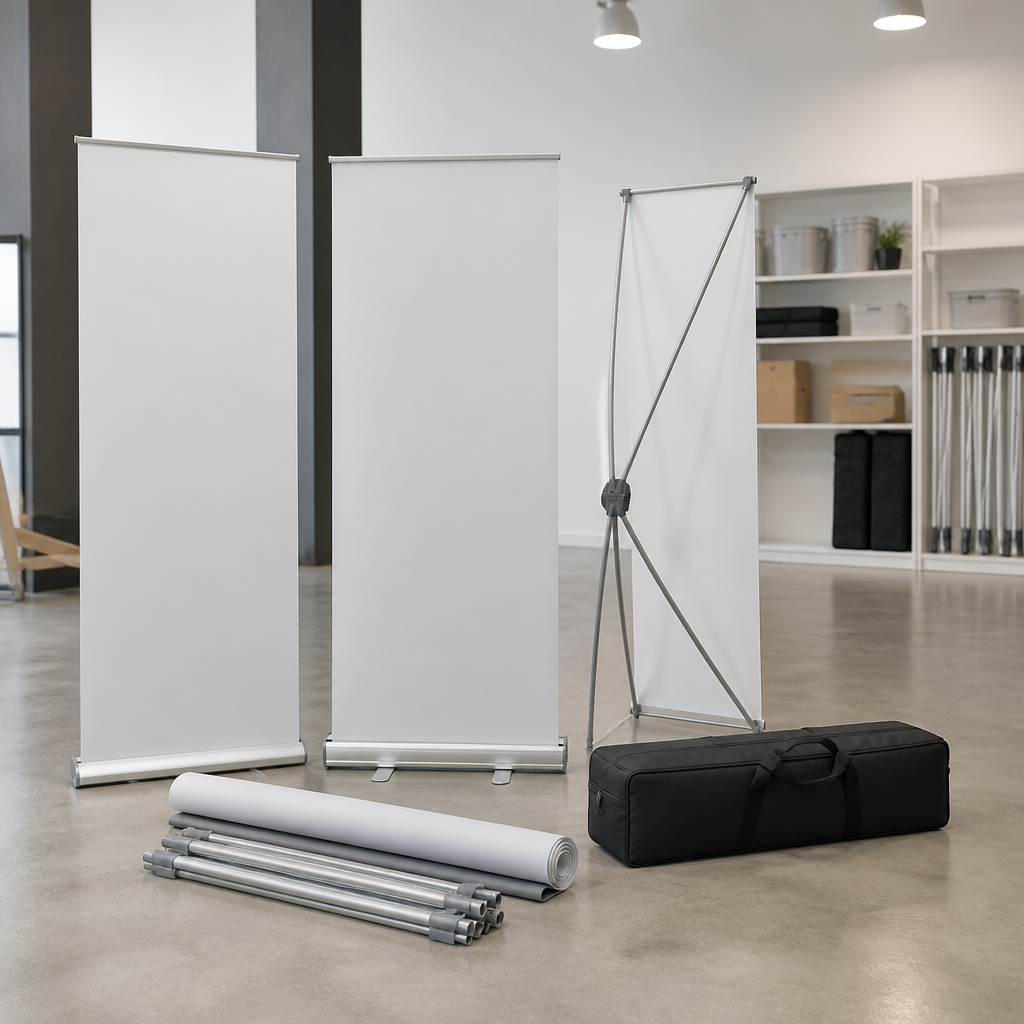
Portable systems suit exhibitors who attend many shows, sell across regions, or send smaller teams with limited time for set-up. Shipping costs, storage limits and set-up time are forcing companies to rethink heavy booth structures, and portable designs are now a standard choice for good reason. A lightweight system that two people can assemble is often more useful than a larger stand that eats the budget.
The weakness of portable systems is a generic look. Ask the supplier for custom-printed panels in your brand colours and a layout that matches your corporate identity guide. That is what separates a portable stand from a template.
| Approach | Best suited for | Main trade-off |
|---|---|---|
| Custom built stand | Flagship launches, demonstrations and hosted meetings | High freight, storage and assembly costs |
| Modular portable system | Frequent attendance across multiple shows | Less architectural presence unless graphics are customised |
| Hybrid stand with portable core and custom graphics | Mid-sized exhibitors balancing brand impact and travel costs | Needs a clear plan for which graphics change between events |
Pro tip: Ask for a packed-case weight and a full set-up list before you sign off on any portable design. A system that looks light on paper can need extra hardware or two people once it reaches the show floor.
Lighting and Backlit Graphics
Lighting is where a stand gains or loses visibility. Many halls are lit well enough for daytime visitors, but the aisles near the edges, the evening networking sessions and the dimmer corners of older venues make a lit panel the difference between a stand that is seen and one that disappears. Lighting is not decoration. It is how people find you.
Backlit Panels and Halo-Lit Logos
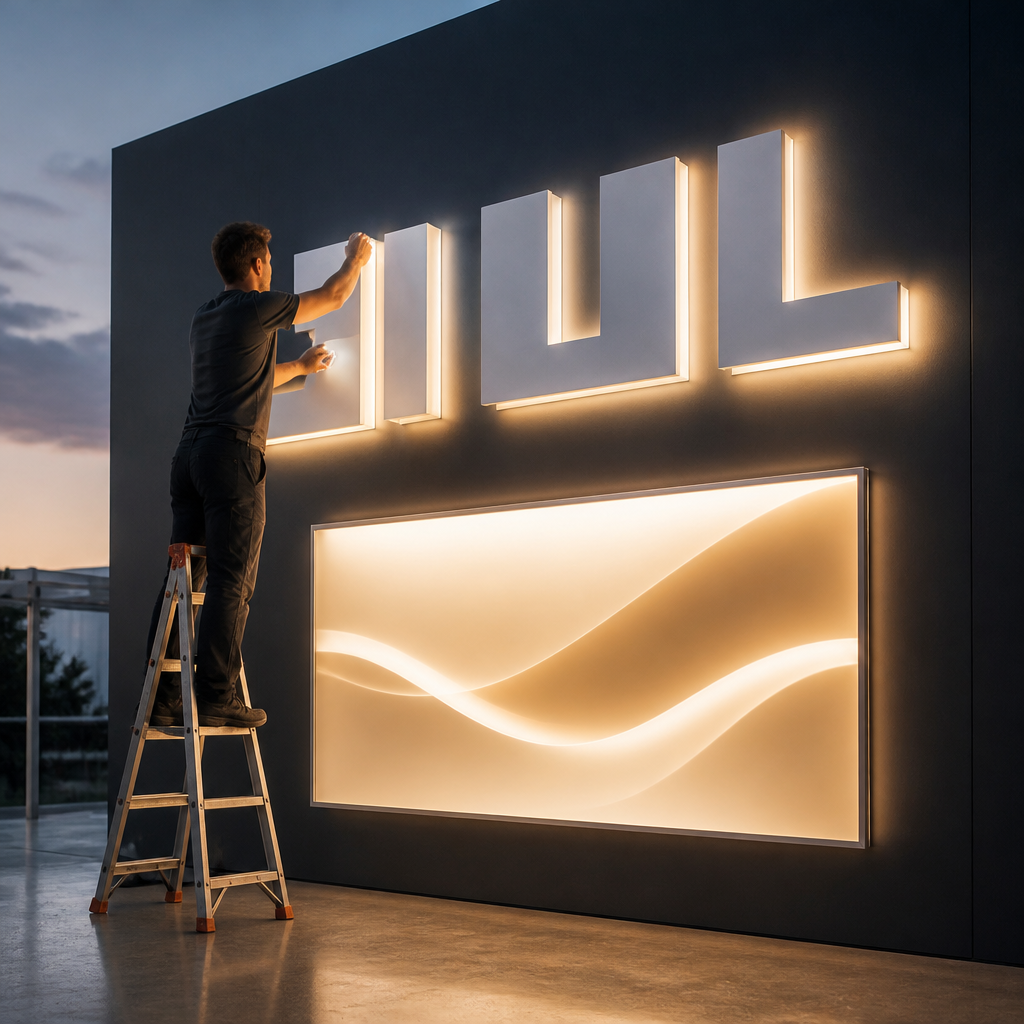
Backlit graphics and halo-lit logos are the most dependable lighting options for exhibition display signage. A backlit panel shows a message evenly from across the hall, and a halo-lit logo adds depth without overwhelming the copy. Both work best when the artwork is designed for light transmission from the start. A file built for print often looks muddy once light sits behind it.
Colour is the real risk. Backlighting shifts how brand colours read, so approve a lit proof rather than a screen preview. For companies with strict corporate identity rules, this step is not optional, and it is the check most often skipped when a timeline gets tight.
Planning Around Power Supply
Every lit element needs a reliable power plan. Ask the venue about power points and cable routing early, and decide whether your stand needs a backup for interruptions. A common mistake is designing a striking lit feature, then discovering the nearest socket is on the far side of the hall. Build the electrical plan into the concept stage, not the day before install.
Viewing angle matters too. A panel that glows brilliantly when viewed straight on can wash out when a visitor approaches from the side. Ask your designer to show the lit panel from the two main approach angles before production starts.
Digital Screens With a Purpose
Digital screens are not new to trade shows, but the way they are used has improved. The old model was a looping brand reel that nobody could hear over the hall noise. Current practice uses screens for live demonstrations, interactive product walkthroughs and short silent explainers that work with captions. A visitor who stops to watch a demo is already interested, which turns the screen into a conversation starter rather than wallpaper.
Live Demos and Interactive Walkthroughs
A live demo shows the product doing something useful, which is the fastest way to explain a service. For a software or equipment exhibitor, a screen showing a real workflow beats a slide full of bullet points. Keep the demo under a minute, so staff can loop it while they talk to a visitor and passers-by can follow it without committing to a conversation.
Place the screen where staff can stand beside it. A screen tucked behind a counter gets ignored, while one at the front edge of the stand pulls people in and gives your team a natural opening line.
Silent, Captioned Content
Assume the audio will not be heard. Every screen should carry burned-in captions and a clear opening frame that explains the stand's purpose even when the content is paused. Use large text, high contrast and one call to action, such as a QR code linking to a booking page or a product catalogue. In practice, this is the content most visitors actually see.
Pro tip: Load the screen with a short opening frame that states your name and your offer. Visitors who arrive mid-loop should still understand what the stand does within a few seconds.
Corporate Identity and Rental Stands
For corporate clients and franchise networks, a stand is also a test of brand discipline. A franchisee in one province and a head office in another should produce stands that look like the same company. Inconsistent logos, off-brand colours and improvised layouts undermine the brand before a visitor reads a word. This is why we start every project with the corporate identity guide rather than a mood board.
Brand Compliance Before Concept Work
Ask for the brand guide, approved colour references, vector logo files and any templates used at previous shows before concept work begins. Confirm who signs off on colour and typography. A common mistake is letting the designer interpret the brand from a website screenshot, which leads to approvals that stall the build for weeks.
Compliance also covers legal wording, regional logos and the rules for co-branded partner logos. Put these in a one-page checklist and attach it to the brief, so every stakeholder works from the same rules.
Renting Instead of Buying
Rental stands suit companies that exhibit occasionally, test a new market or need a presence in a country where they hold no stock. Renting also lets a brand refresh its look between events without writing off an old structure. For exhibitors taking a presence into other African markets, renting a tested stand can reduce the risk of shipping a custom build across borders, though customs and freight planning for each country needs to start early.
A rental structure can still carry custom graphics, brand-approved finishes and your own lighting plan. The question is not whether rental looks professional. It is whether the rental partner can match your brand standards and hold the same quality at every event.
Frequently Asked Questions
How far in advance should I start designing exhibition display signage?
Start as early as your show calendar allows. Concept approval, colour proofs and production all take time, and rush fees for printing and installation are one of the most common hidden costs for exhibitors who leave design until the last moment.
What is the most cost-effective signage for a first-time exhibitor?
A portable system with one strong headline banner and a single screen usually gives the best return. It keeps freight and set-up costs low while still making the stand clear from the aisle, which matters more than size for a first show.
Do Gauteng trade shows need a different design approach from shows elsewhere?
The core principles hold everywhere, but venue layouts, power access and visitor traffic differ from hall to hall. Check the floor plan for each venue, ask the organiser where high-traffic aisles run, and plan your sightlines around them.
Can a rental stand still reflect my corporate identity?
Yes. Rental structures can carry custom graphics, brand colours and approved finishes. The important step is giving the rental partner your brand guide before design starts, so the stand looks like your company rather than a generic template.
How do I measure whether my stand worked?
Set the target before the show, such as leads captured, meetings booked or demo sessions completed. Track those numbers against the goal and follow up on each lead within a few days, because the stand only starts the conversation.
Tell us what has worked or failed for your team on a South African show floor, because your experience will shape how we refine this guide.